Open App Store and install Cawice app
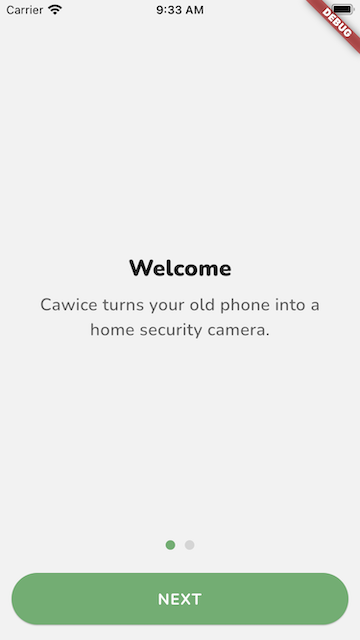
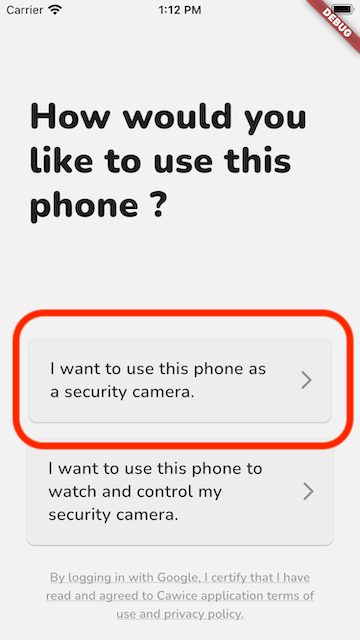
Login to Google Account as Camera
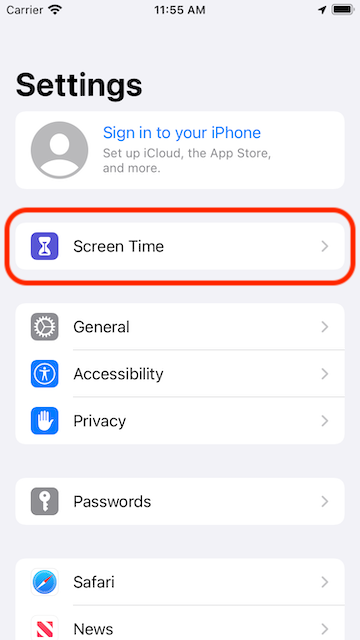
Open Settings app and select Screen Time
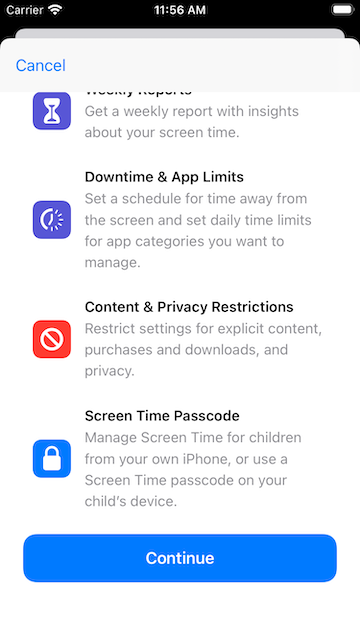
Config Screen Time first time usage
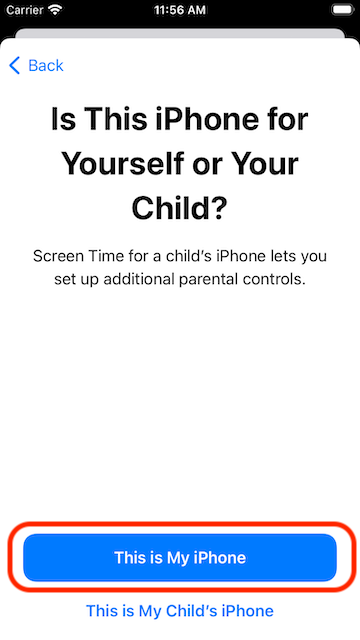
Select "This is My iPhone" to continue
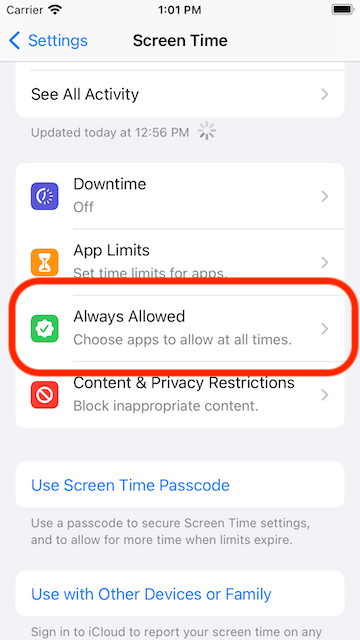
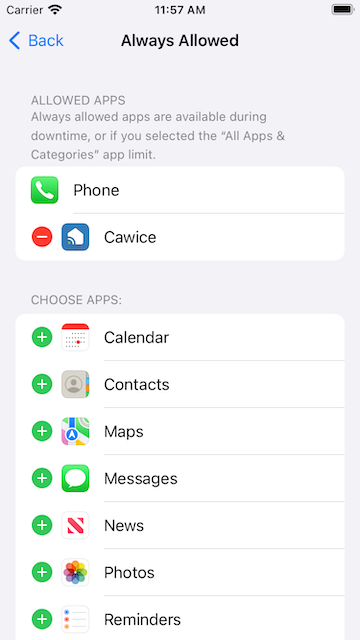
Select "Always Allowed" to see app list
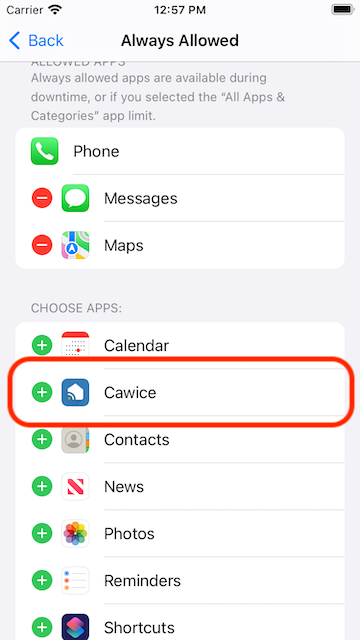
Find Cawice and tap on the row to add it to Allowed Apps
Only keep Cawice in Allowed Apps list
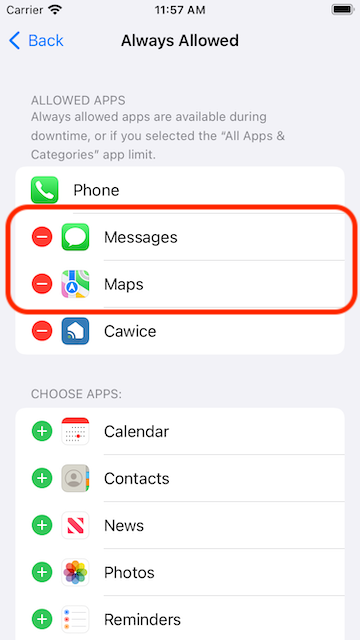
Make sure you see this on your device
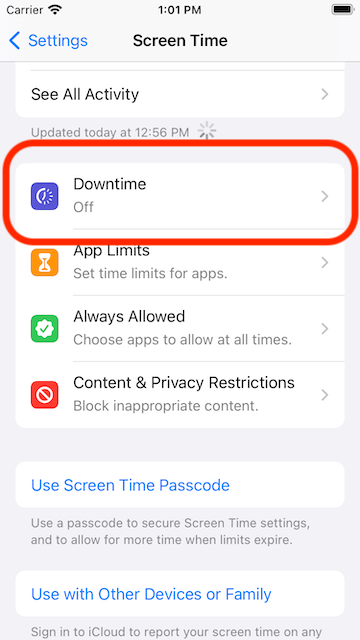
Select "Downtime" from Screen Time screen
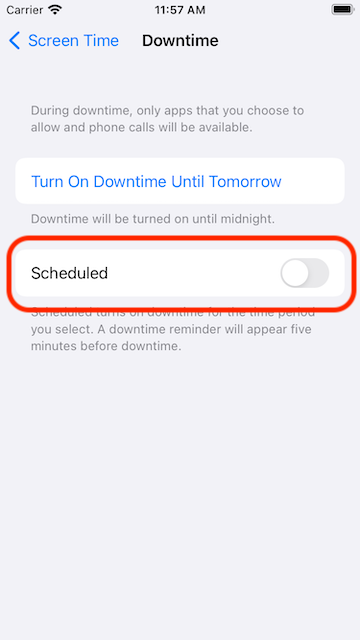
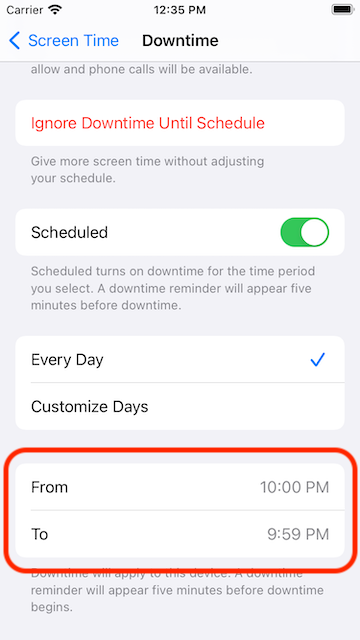
Turn on Scheduled downtime
Select "Every day" option
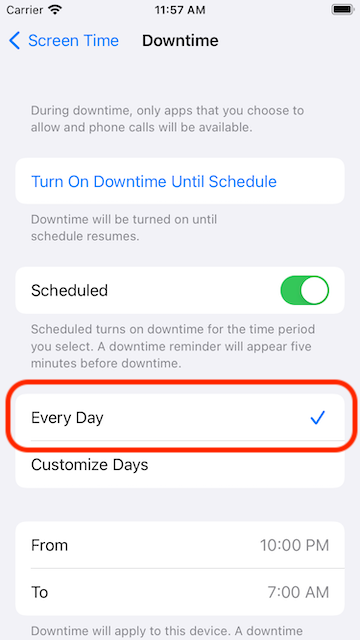
Set From: 10:00 PM and To: 9:59 PM
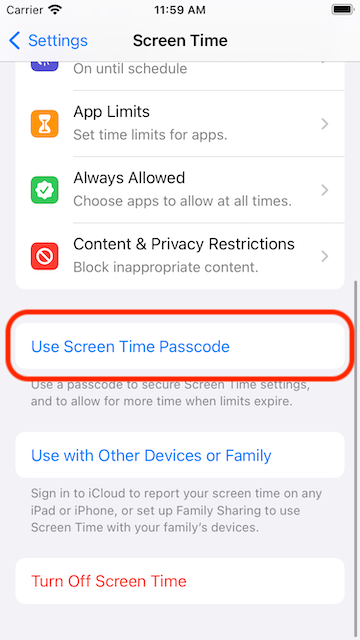
Come back to bottom of Screen Time and find "Use Screen Time Passcode"
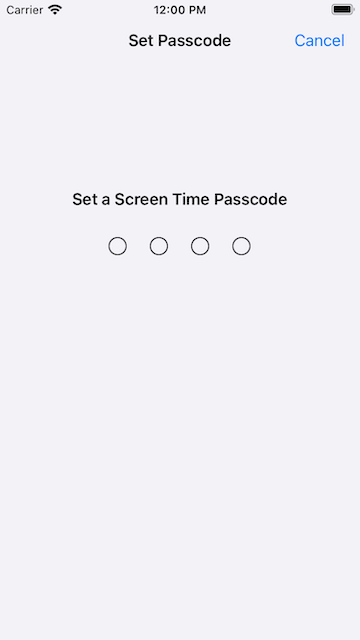
Set the passcode you want to confirm it.
- Every things is done. Now you can come back home screen to run up Cawice to enjoy!
- Thanks you!!!