Abra App Store e instale la aplicación Cawice
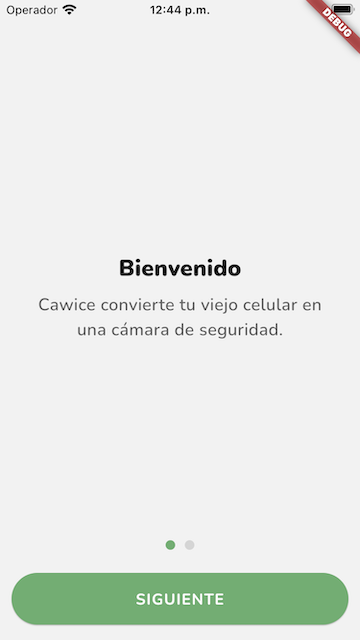
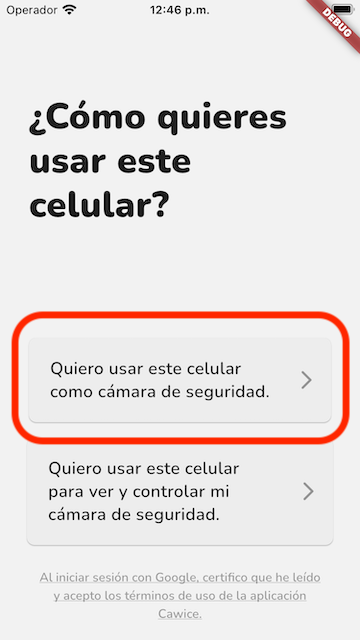
Inicie sesión en la cuenta de Google como cámara
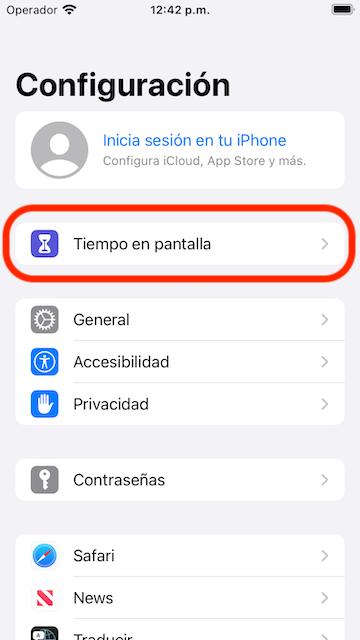
Abra la aplicación Configuración y seleccione Tiempo de pantalla
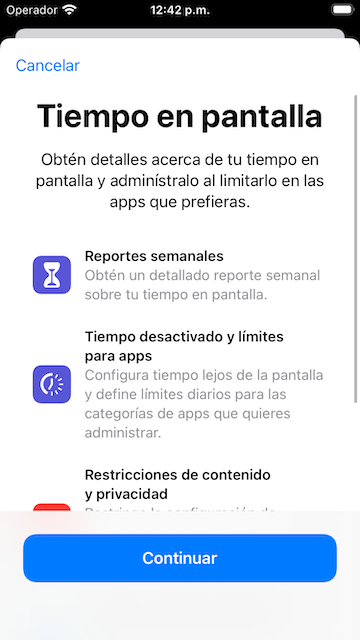
Configurar tiempo de uso de pantalla por primera vez
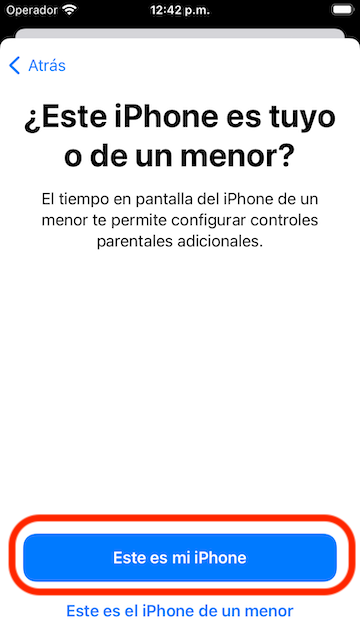
Seleccione "Este es mi iPhone" para continuar
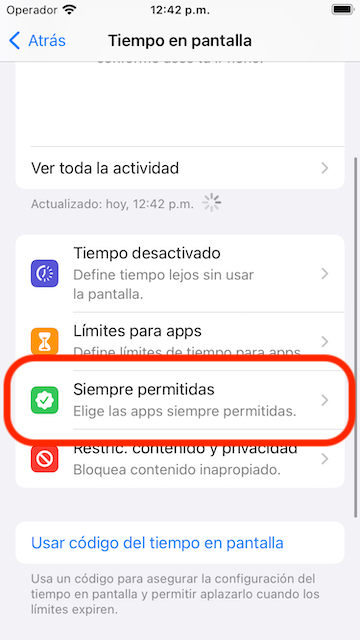
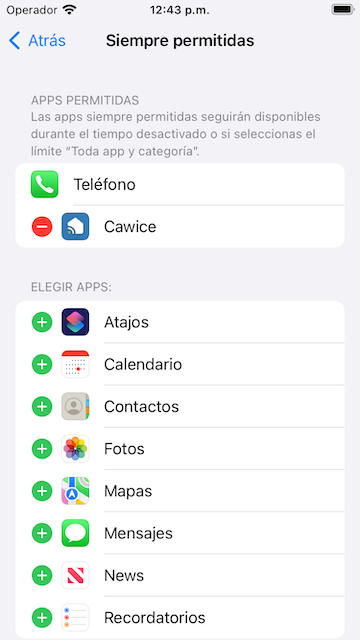
Seleccione "Siempre permitidas" para ver la lista de aplicaciones
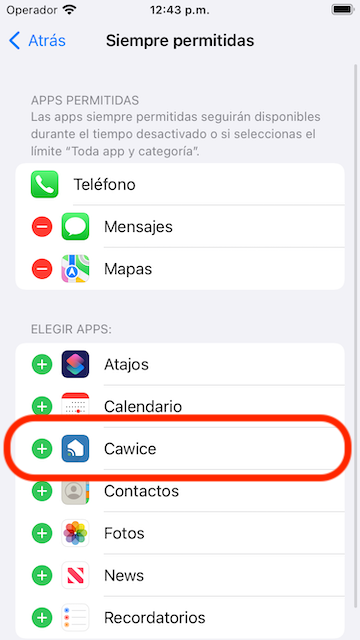
Busque Cawice y toque la fila para agregarla a Aplicaciones permitidas
Mantenga Cawice solo en la lista de aplicaciones permitidas
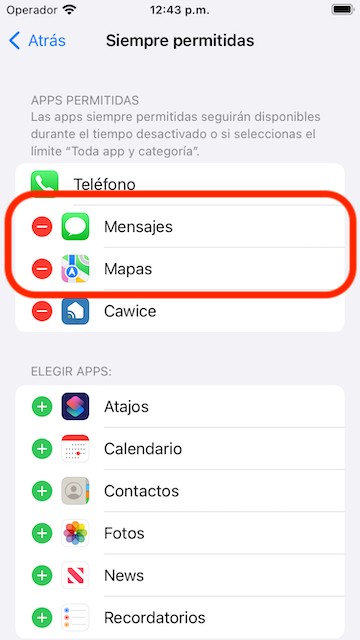
Asegúrate de ver esto en tu dispositivo
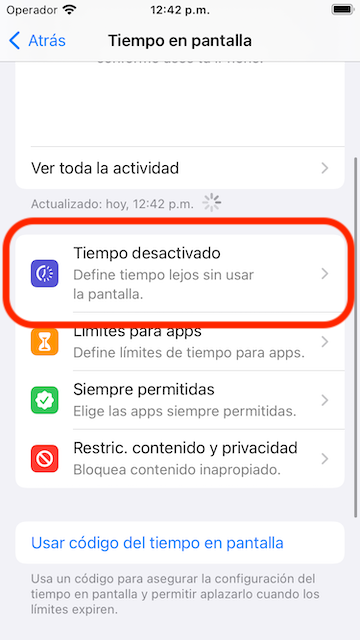
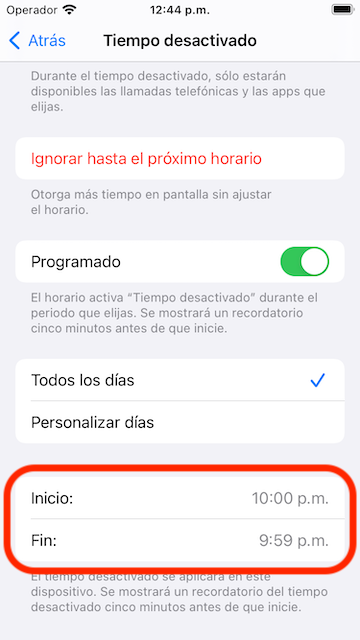
Seleccione "Tiempo desactivado" en la pantalla Tiempo de pantalla
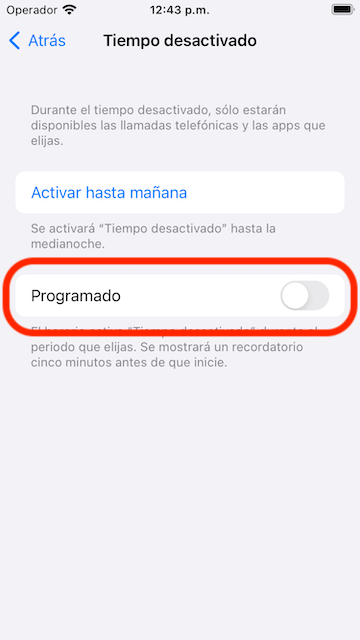
Activar el tiempo de inactividad programado
Seleccione la opción "Todos los días"
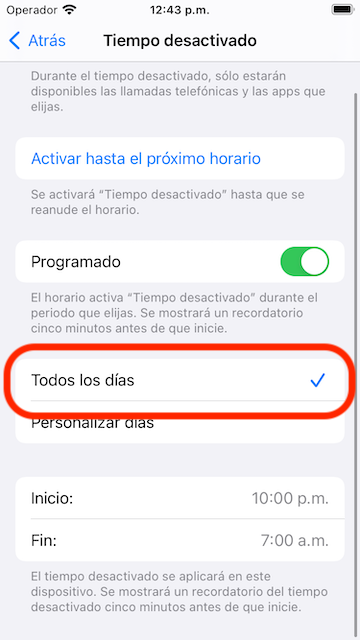
Programado Inicio: 10:00 pm y Fin: 9:59 pm
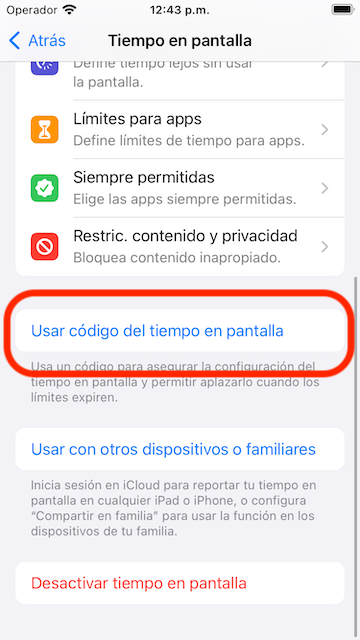
Vuelva a la parte inferior de Screen Time y busque "Usar código del tiempo en pantalla"
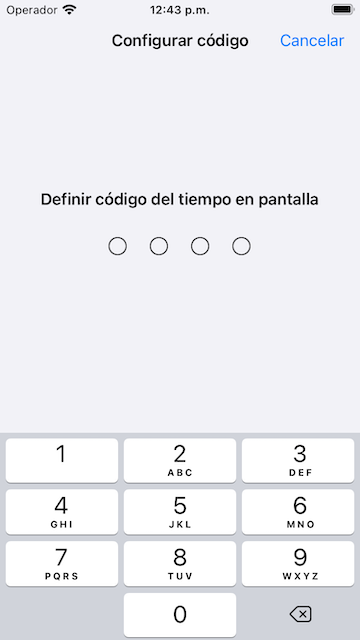
Establezca el código de acceso que desea confirmar.
- Todo está hecho. ¡Ahora puede volver a la pantalla de inicio para ejecutar Cawice y disfrutar!
- Gracias!!!